

Why Website Traffic Drops: 15 Common Causes and How to Fix Them

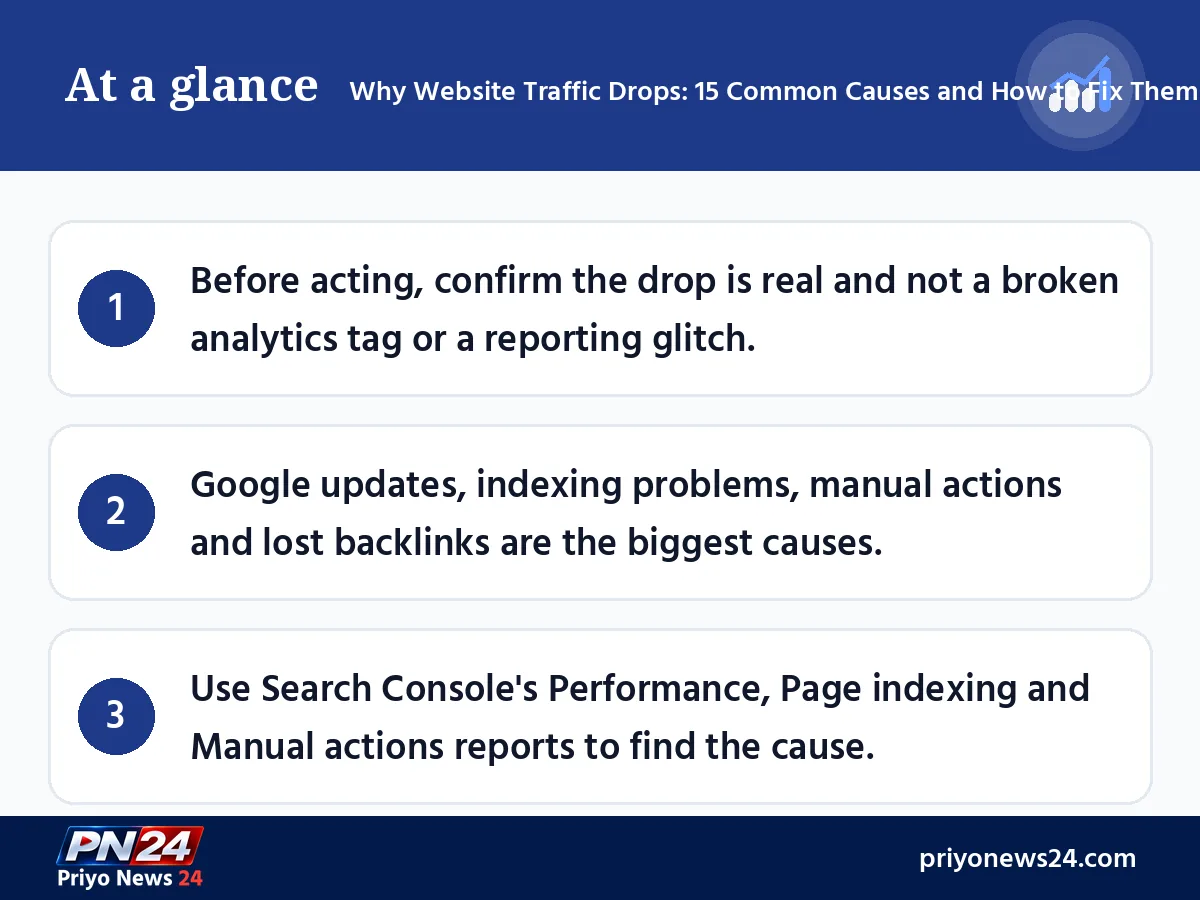
At a glance
- Before acting, confirm the drop is real and not a broken analytics tag or a reporting glitch.
- Google updates, indexing problems, manual actions and lost backlinks are the biggest causes.
- Use Search Console's Performance, Page indexing and Manual actions reports to find the cause.
One morning you open Search Console and find that a page which brought hundreds of visitors yesterday is now almost empty. For bloggers, online sellers and news sites alike, a website traffic drop is one of the most familiar worries. The good news is that in most cases the cause can be found and fixed. This guide walks through 15 common reasons why website traffic drops, how to recognise each one, and what to do about it, step by step.
The ideas and structure come from Sultan Muhammad Rashed, who has worked on SEO for his own and his clients' websites for years. It has been rewritten in line with Google's guidance and tools as of November 2026.
First, confirm: has traffic really dropped?
Before making big changes, answer three questions:
- Which source dropped? Google Search, Facebook, direct visits or referrals from another site? Separate them in GA4's Traffic acquisition report. If Facebook traffic fell, the fix lies in your social media strategy, not in SEO.
- The whole site or a few pages? Use the Compare option in Search Console's Performance report to compare with an earlier period, then check the Pages tab to see which pages lost the most clicks.
- Sudden or gradual? A big one-day fall usually points to a technical problem, a manual action or an update. A slow decline over months suggests competition, outdated content or falling demand.
Google's own guidance also recommends setting the Performance report to 16 months, which makes year-on-year seasonal patterns easy to spot.
Why website traffic drops: the list at a glance
| # | Cause | Where to check |
|---|---|---|
| 1 | Google algorithm or core update | Google Search Status Dashboard, Search Console Performance |
| 2 | Analytics tag not working | GA4 Realtime report |
| 3 | robots.txt mistake | Search Console robots.txt report |
| 4 | Stray noindex tag or deindexing | Page indexing report, URL Inspection |
| 5 | XML sitemap problems | Sitemaps report |
| 6 | Domain, DNS or server problems | Crawl stats report, hosting panel |
| 7 | Slow website | Core Web Vitals report, PageSpeed Insights |
| 8 | Poor mobile experience | Lighthouse |
| 9 | Manual action | Manual actions report |
| 10 | Security issue or hack | Security issues report |
| 11 | Lost backlinks | Links report, SEO tools |
| 12 | Changed URLs without redirects | Page indexing (Not found 404) |
| 13 | Results page changes and AI summaries | Performance (impressions vs CTR) |
| 14 | Seasonal demand | Google Trends |
| 15 | Competitors or outdated content | The search results themselves |
Algorithm and results page changes
1. Google algorithm and core updates
Google ships large and small updates all year to show better results. The big ones are called core updates. In 2026, after core updates in March and May, the year's third core update began rolling out on November 10, and Google said it may take up to 2 weeks to complete. Several spam updates also rolled out this year.
Some ranking movement after an update is normal. If your page slips from the first page of results to the second, clicks fall sharply because very few people go to page two.
Fix: Check the Google Search Status Dashboard to see whether an update was running when traffic fell. If so, wait for the rollout to finish, then make the pages that lost traffic more current, deeper and more accurate. A core update is not a penalty; it brings better content from other sites forward.
2. Results page design changes and AI summaries
Google often experiments with the layout of its results page. When a featured snippet, "People also ask" or an AI summary (AI Overviews) answers the question on the results page, many people never click through. A 2025 Pew Research Center study found that people clicked a regular result link in 8% of visits when an AI summary appeared, compared with 15% when there was none.
How to spot it: In Search Console, impressions stay the same or rise while CTR (click-through rate) falls. Remember that a competitor winning the snippet also reduces your clicks.
Fix: Give a clear, short answer early, then add what a summary cannot: first-hand experience, tables, examples and calculations. Write titles and meta descriptions that are appealing but honest.
3. Working on seasonal topics
Some topics only peak at certain times of year. Just as umbrellas sell in the monsoon and blankets in winter, searches like "Ramadan timetable", "Eid wishes" or "SSC results" soar in season and then fall away.
Fix: Check five years of demand for your main keyword in Google Trends. If it falls at the same time every year, the drop is normal. Balance seasonal posts with evergreen topics, and refresh seasonal articles before the season starts.
Technical SEO problems
If traffic falls sharply and suddenly, run a technical SEO audit. Combining a crawler such as Screaming Frog with Search Console reports surfaces many problems quickly.
4. Analytics tag not working
It sounds trivial, but sometimes traffic has not fallen at all; it has simply stopped being counted. A theme change, caching or Cloudflare settings, a cookie consent banner or a tag manager mistake can stop the GA4 tag from loading.
Fix: Open your site on your phone and see whether you appear in GA4's Realtime report. If Search Console clicks look normal but GA4 shows zero, the tag is the problem.
5. robots.txt mistakes
One wrong line in robots.txt (such as Disallow: /) can block Google's crawler from the whole site. It often happens after a server move or when a development site goes live.
Fix: Use Search Console's robots.txt report and the URL Inspection tool to check whether important pages are blocked. Correct the file and request indexing again.
6. noindex tags and deindexed posts
When a ranking post drops out of Google, all its visitors vanish at once. Common reasons include:
- A noindex meta tag added by mistake (in a plugin or theme setting)
- Low-quality, copied or unchecked automatically generated content
- Several pages targeting the same keyword (keyword cannibalisation) or a wrong canonical tag
- Spam tactics such as hidden links, link schemes or cloaking
Fix: In Search Console's Page indexing report (formerly called Coverage), see which pages are excluded and why. Typical reasons include Server error (5xx), Redirect error, Blocked by robots.txt, Excluded by 'noindex' tag, Soft 404, Not found (404) and Duplicate without user-selected canonical. Fix each one and click Validate Fix.
7. XML sitemap problems
A sitemap should only list URLs that load correctly (status 200) and deserve to be indexed. After a plugin change or site migration, sitemaps often keep old, redirected or 404 URLs while new posts are missing.
Fix: Regenerate the sitemap, resubmit it in Search Console's Sitemaps report and check it for errors.
8. Domain, DNS and server problems
An expired domain, changed name servers or DNS records, or a server that keeps going down all stop Google from crawling your pages.
Fix: Check host status and server error rates in Search Console's Crawl stats report. If DNS changed, confirm the records with your hosting provider, and keep domain auto-renewal switched on.
9. Slow pages and Core Web Vitals
Slow pages frustrate visitors, who leave and do not come back. Google measures speed and page experience with Core Web Vitals. As of November 2026, Google's recommended good values are:
| Metric | What it measures | Good value |
|---|---|---|
| LCP | How quickly the main content appears | Within 2.5 seconds |
| INP | How quickly the page responds to a click or tap | Under 200 milliseconds |
| CLS | How much content shifts while loading | Below 0.1 |
Fix: Check PageSpeed Insights and Search Console's Core Web Vitals report. Compress images to WebP, use caching and a CDN, and remove unnecessary plugins and scripts. Good speed alone does not guarantee rankings; it is one factor among many.
10. Poor mobile experience
Most visitors in Bangladesh browse on mobile, and Google mainly evaluates the mobile version of a site. Tiny text, buttons crammed together or pop-ups covering the whole screen send visitors away fast.
Fix: Google retired the old Mobile-Friendly Test tool in December 2023. Run a mobile audit with Lighthouse in Chrome and browse your own site on your phone.
Google policies, security and links
11. Manual actions
If a Google reviewer finds that a site breaks spam policies, it receives a manual action, which can lower or remove pages or the whole site from results. Types shown in Search Console's Manual actions report include:
- Third-party spam or user-generated spam (comments, forums)
- Unnatural links to your site or from your site
- Thin content with little or no added value
- Cloaking, sneaky redirects or sneaky mobile redirects
- Hidden text or keyword stuffing
- Structured data issues
- Site reputation policy violations and back button hijacking
- News and Discover policy violations
Fix: Fix the problem on every affected page, then click Request Review in the same report and explain clearly what you changed. Checking Search Console messages regularly warns you before the damage grows.
12. Hacks and security issues
If a site is hacked and malware or phishing pages are added, Google shows warnings in search, and people become afraid to click.
Fix: Check Search Console's Security issues report. Update old plugins and themes, delete unknown admin accounts, restore clean files from a backup and then request a review.
13. Lost backlinks
When sites that linked to your post remove the link, you lose twice: the direct visitors from that link stop, and a post that ranked thanks to strong links may slip.
Fix: Look for links lost in the last 30 days in Search Console's Links report or tools such as Ahrefs and Semrush. Check whether you accidentally removed important internal links on your own site. Contact the owners of lost links and create original content that earns new ones.
14. Changing URLs without redirects
If you change a slug or URL while updating a post, anyone following the old link lands on a 404 page. You lose the old ranking, the value of its backlinks and the visitors.
Fix: Add a 301 redirect from every old URL to its new one. Avoid changing the URL of a ranking page unless you really must.
15. Competitors pulling ahead and outdated content
Your page may not have changed at all, but someone else has published a more current, deeper and more useful piece. Articles with old facts, dead links or years-old prices slowly sink.
Fix: Search your main keyword and read the top 5 results. Add what they offer and you do not, and keep dates and facts up to date.
What to do when traffic drops: a 7-step checklist
- Check GA4 Realtime to confirm the tag works.
- Isolate which source and which pages lost traffic.
- Match the date of the drop against Google update dates.
- Check the Manual actions and Security issues reports in Search Console.
- Look for new errors in the Page indexing, Sitemaps and Crawl stats reports.
- List recent changes to your site (theme, plugins, URLs, server).
- Check demand in Google Trends and competitors in the results, then update your content.
Final thoughts
SEO is a subject you never finish learning: Google changes, and so do readers' habits. Be wary of anyone who claims to know everything about SEO or guarantees rankings. When traffic drops, do not panic; work through the checklist above. Most problems can be solved with patience and the right reports.
If you need advice on SEO or digital marketing strategy for your own site, you can visit Sultan Muhammad Rashed's website at sultanmuhammadrashed.com. For handy free online tools such as a URL checker and keyword tools, try GrowthPi.
FAQ
Why does website traffic suddenly drop?
The most common causes are Google algorithm updates, crawling or indexing problems (such as a stray noindex tag or a robots.txt mistake), manual actions for spam policy violations, losing important backlinks, changing URLs without redirects, seasonal demand, and fewer clicks because AI summaries answer the query on the results page. Sometimes traffic only looks lower because the analytics tag stopped working.
What should I do if traffic fell after a Google core update?
Wait until the rollout is complete, as Google itself advises, then compare the period before and after the update in Search Console to see which pages lost the most. Make those pages more useful, current and accurate for readers. A core update is not a penalty, so focus on quality rather than rushing big changes.
How do I know if my site has a manual action?
Open the Manual actions report under Security & Manual Actions in Google Search Console. 'No issues detected' means there is no manual action. If there is one, the report shows the issue type and example pages. Fix the problem on every affected page, then click Request Review in the same report.
Google Analytics shows zero traffic but Search Console shows clicks. Why?
Most likely your GA4 tracking tag is not loading. Theme changes, caching plugins, cookie consent banners or tag manager mistakes can cause this. Open your site on your phone and check whether you appear in GA4's Realtime report; if not, reinstall the tag.
How long does it take for traffic to come back?
It depends on the cause. After fixing a wrong noindex or robots.txt rule, traffic usually returns within days to a few weeks once Google recrawls. With a manual action you wait for Google's decision after the review request. Rankings lost in a core update usually recover gradually over later updates after you improve the content, with no guaranteed timeline.
Where is Google's Mobile-Friendly Test tool?
Google retired the Mobile-Friendly Test tool and Search Console's Mobile Usability report in December 2023. Use Lighthouse in Chrome or PageSpeed Insights to test mobile speed and usability, and check Search Console's Core Web Vitals report.
Sources
- Google Search Central — Debugging drops in Google Search traffic
- Search Console Help — Manual actions report
- Google Search Central — Understanding Core Web Vitals
- Search Engine Journal — Google's November 2026 Core Update Starts Rolling Out
- PPC Land — Google's core update shifts rankings before Black Friday
- Search Engine Land — Google drops Mobile Usability report and Mobile-Friendly Test
- PPC Land — Pew: AI search summaries reduce link clicks
Comments
No comments yet — be the first to comment.